


Video Downloader: Download music and videos online for free
Use our free video downloader, and download your favorite videos and songs from YouTube, Facebook, Instagram, and over 50,000 other websites—quickly, safely, and in the best quality!

High Quality
Popular Platforms
Easy Download
Create Playlists
 Download VideoManager now — 100% free & unlimited
Benefits of our free video downloader
Save every song, episode, and movie to your computer: VideoManager makes it possible.
Download your favorite content in the best resolution, from 1080p up to crystal-clear 4K.


Unlimited Usage
o Download unlimited songs and videos—entirely without a premium subscription.


Over 50,000 Websites
o Download videos or music from YouTube, Facebook, TikTok, Instagram, and 1,000+ other popular sites.


No Registration Required
o VideoManager is immediately available for use completely free of charge. No account. No sign-up.


High Download Quality
Up to 4K—download videos in any resolution and enjoy them offline in the best quality.


Fast & Free
No subscriptions, no download limits, and maximum download speed.


Multiple Formats
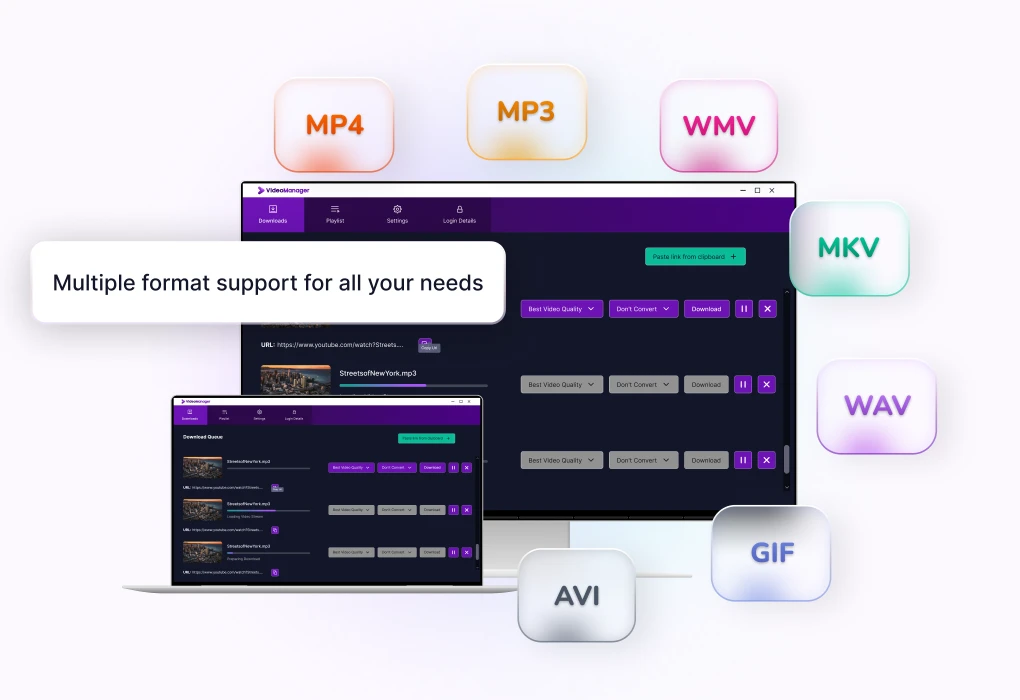
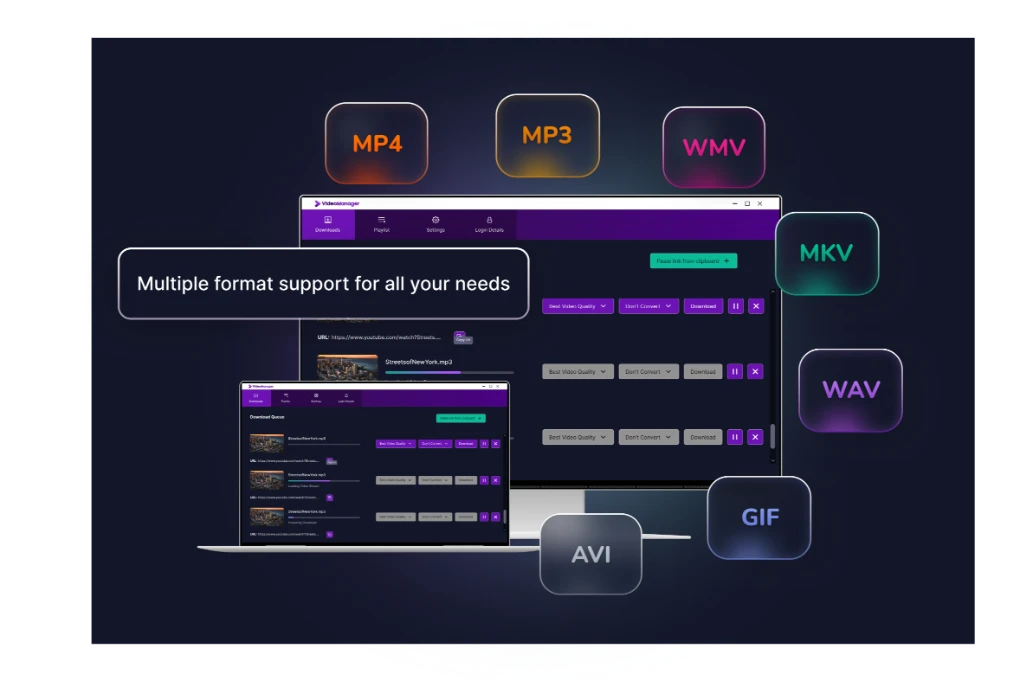
o Save files as MP3, MP4, WAV, M4A, OGG, WEBM, and many other formats.
How to download videos in 3 easy steps
VideoManager is easy to install and ready for use in just a few minutes.
Click on the "Download" button

The download will start automatically
Open the file and start the installation

Choose a storage location and follow the instructions
Installation is complete

VideoManager is ready for use immediately
FAQs about downloading videos
Everything you need to know about setting up VideoManager on Windows 11 and 10 —
explained simply and resolved quickly.
Is there a download limit ?
No, you can download an unlimited number of videos.
Does the video downloader support macOS ?
No, VideoManager is currently only available for Windows computers.
What Windows versions does VideoManager support ?
VideoManager.io fully supports Windows 11 and 10. The software is also compatible with Windows 7 and earlier versions; for security reasons, we recommend using a current operating system.
Can I download entire playlists with VideoManager ?
Yes, simply add the link to your favorite playlist and download all content for free. Additionally, the video downloader can monitor the desired playlist and automatically keep it up to date.
Can I convert videos into music files with VideoManager ?
Yes, with the video downloader, you can download your favorite content and then easily convert it into the following formats: MP3, WAV, MP4, MKV, AVI, WMV, and even GIF.
One click for limitless entertainment: Download VideoManager for free now to enjoy music and videos anytime, anywhere !