 Download VideoManager now — 100% free & unlimited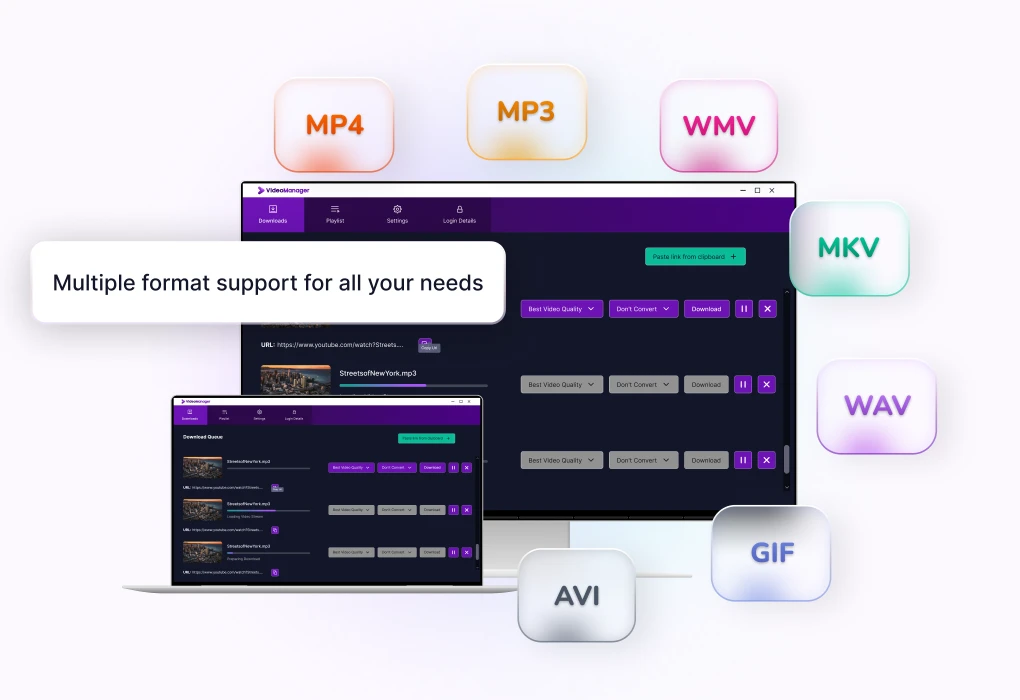
Select Songs, Videos or Playlists
Find the song, video or playlist you want to download on your preferred platform and paste the link into VideoManager. You can also drag and drop the URL directly into the application.


Windows

VideoManager.io fully supports Windows 11 and 10. Simply download and get started right away !


Use our free video downloader, and download your favorite videos and songs from YouTube, Facebook, Instagram, and over 50,000 other websites—quickly, safely, and in the best quality!

High Quality
Popular Platforms
Easy Download
Create Playlists
Save every song, episode, and movie to your computer: VideoManager makes it possible.
Download your favorite content in the best resolution, from 1080p up to crystal-clear 4K.


Unlimited usage
Download unlimited songs and videos—entirely without a premium subscription.


Over 50K websites
Download videos or music from YouTube, Facebook, TikTok, Instagram, and 1,000+ other popular sites.


No Registration Required
VideoManager is immediately available for use completely free of charge. No account. No sign-up.


High Download Quality
Up to 4K—download videos in any resolution and enjoy them offline in the best quality.


Fast & Free
No subscriptions, no download limits, and maximum download speed.


Multiple Formats
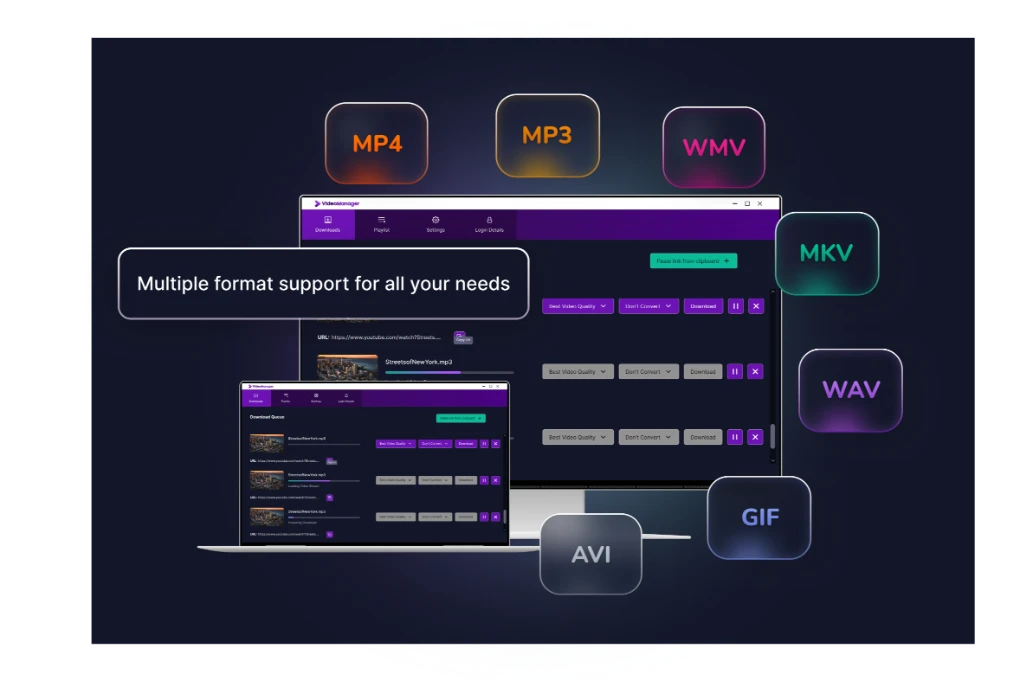
Save files as MP3, MP4, WAV, M4A, AVI, WMV and many other formats.
VideoManager is independent software and is not affiliated with or endorsed by any third-party platform or service.
Download in seconds with just one click.
Find the song, video or playlist you want to download on your preferred platform and paste the link into VideoManager. You can also drag and drop the URL directly into the application.
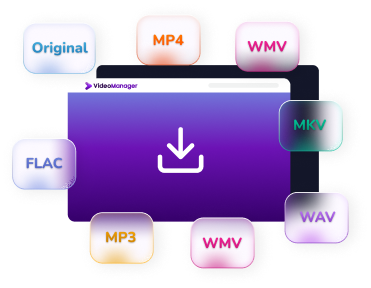
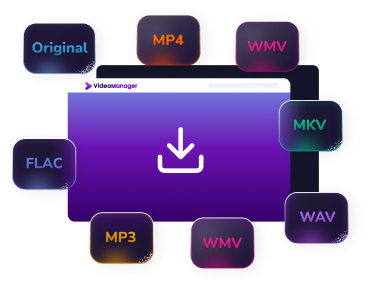
Choose the format in which you want to save your file. VideoManager supports a variety of video and audio formats, allowing you to convert and save content according to your needs.
Start the download with a single click. Your selected content will be downloaded and converted in the chosen format while maintaining high quality.
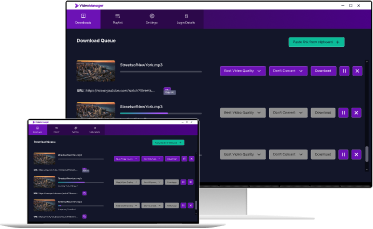
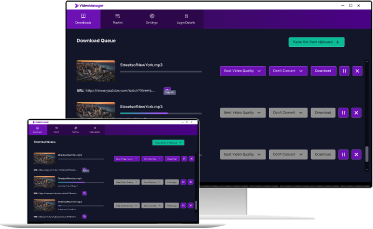
Supports Windows 11 and 10.
VideoManager is easy to install and ready for use in just a few minutes.
Click on the "Download" button

The download will start automatically
Open the file and start the installation

Choose a storage location and follow the instructions
Installation is complete

VideoManager is ready for use immediately
Everything you need to know about setting up VideoManager on Windows 11 and 10 —
explained simply and resolved quickly.
No, you can download an unlimited number of videos.
No, VideoManager is currently only available for Windows computers.
VideoManager.io fully supports Windows 11 and 10. The software is also compatible with Windows 7 and earlier versions; for security reasons, we recommend using a current operating system.
Yes, simply add the link to your favorite playlist and download all content for free. Additionally, the video downloader can monitor the desired playlist and automatically keep it up to date.
Yes, with the video downloader, you can download your favorite content and then easily convert it into the following formats: MP3, MP4, WAV, M4A, AVI, WMV, MKV and FLAC.
One click for limitless entertainment: Download VideoManager for free now to enjoy music and videos anytime, anywhere !